 RSS Reader
Import your RSS subscriptions with an OPML file
Already using an RSS reader and thinking of switching? The OPML format lets you move all your feeds and folders in a few clicks, with nothing to retype.
What is an OPML file?
OPML (Outline Processor Markup Language) is a small text file that lists your subscriptions: the address of each RSS or Atom feed and, depending on the reader, the folder it is filed in. It is the standard exchange format between RSS readers: a file exported from one reader can be imported into another. It does not contain your articles or their read / unread state, only your sources.
Import your subscriptions in 3 steps
Export your OPML file from your old reader
Most readers (Feedly, Inoreader, NewsBlur, FreshRSS, Miniflux…) offer an “Export OPML” or “Export subscriptions” option, usually in the settings or on the import / export page. Save the .opml (or .xml) file on your computer.
Log in to RSS Reader
Open the reader and log in, or create a free account with your email address (a confirmation link is sent to you).
Click “↑ Import OPML”
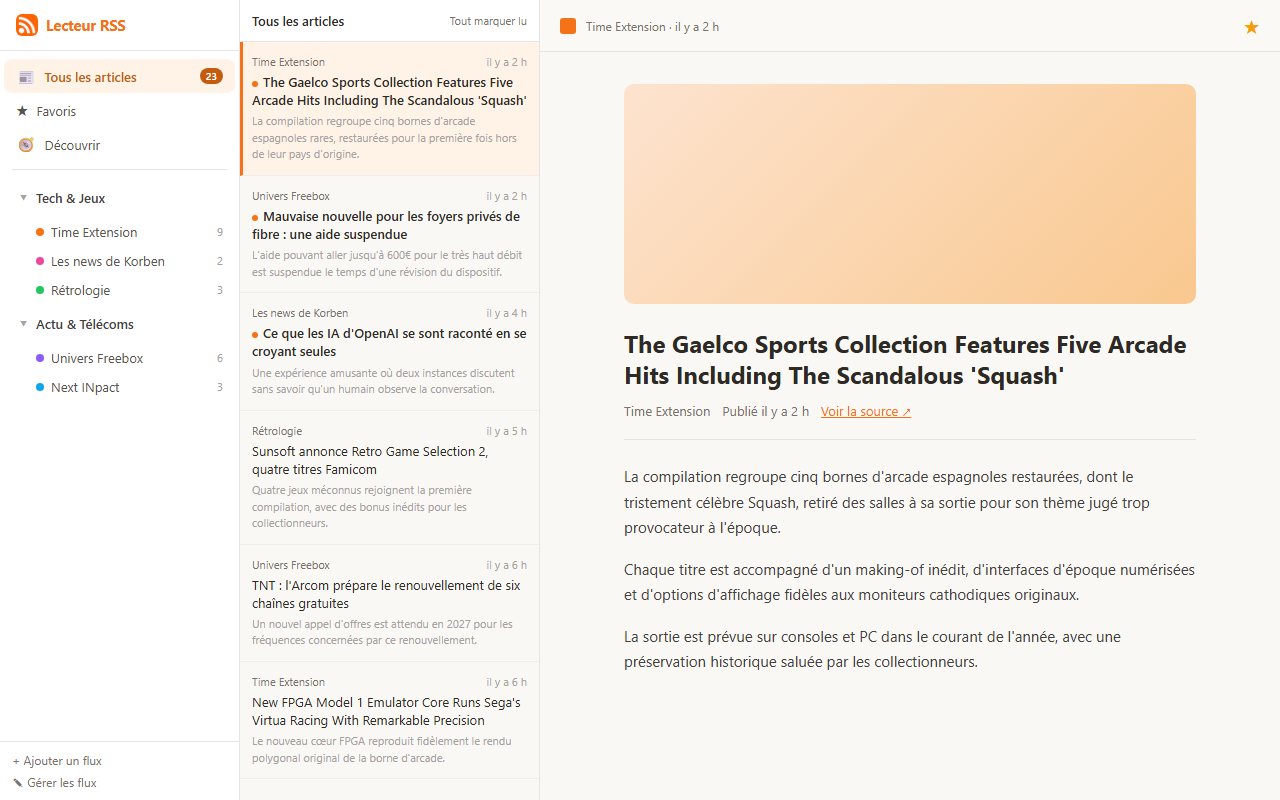
The button is at the bottom of the left-hand column. Pick your file: your feeds and folders are recreated, then the reader fetches their latest articles (this can take a moment if you have many subscriptions).
After the import
- Your folders are kept: you get the same organisation as in your old reader.
- Articles you already read in the old reader are not carried over (OPML does not contain them): every recent article of a feed shows up as unread. One click on “Mark all as read” lets you start from a clean slate.
- Duplicate feeds are skipped, so you can re-import a file without creating duplicates.
And if you want to leave later?
Nothing locks you in: the “↓ Export OPML” button (same place, bottom of the left-hand column) downloads your list of subscriptions at any time, ready to import into any other reader. It also makes a handy backup of your sources.
Frequently asked questions
Which file format is accepted?
An OPML file with a .opml or .xml extension, as exported by your old reader.
Is importing free?
Yes. RSS Reader is free, OPML import and export included.
Are my old favourites and read articles imported too?
No: OPML only contains the list of your subscriptions. Favourites and reading history cannot be transferred with this format.
Can I import from Feedly or Inoreader?
Yes, as long as you first export your subscriptions as OPML from that service, then import the resulting file.
Ready to switch RSS readers?
Create your free account and import your subscriptions in a minute.
Get started for free